peil.app/import is where data moves in and out of Peil: importing hours and clients from a spreadsheet or another time-tracking system, importing or exporting e-invoices (UBL), and exporting your own data for your accountant or your records. Two tabs, Import and Export, share that one page.
Importing hours and clients
The import flow (internally called "Drop & Orient") takes a CSV, TSV, or Excel file, detects the columns itself, and shows you exactly what's about to come in before anything is saved. As an example: an Excel export with Dutch column headers and a semicolon delimiter, the kind of file many freelancers bring over when switching from another system.
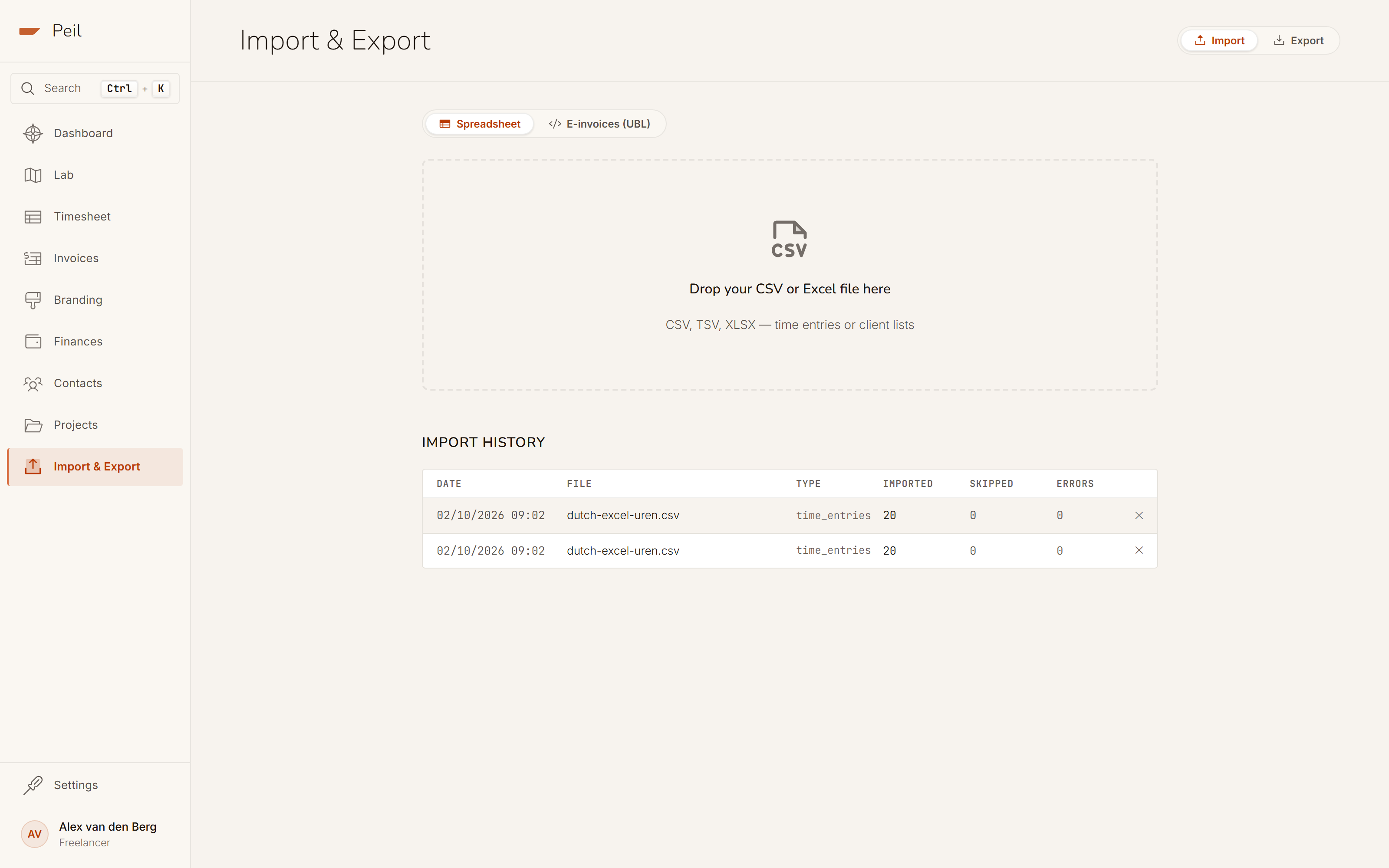
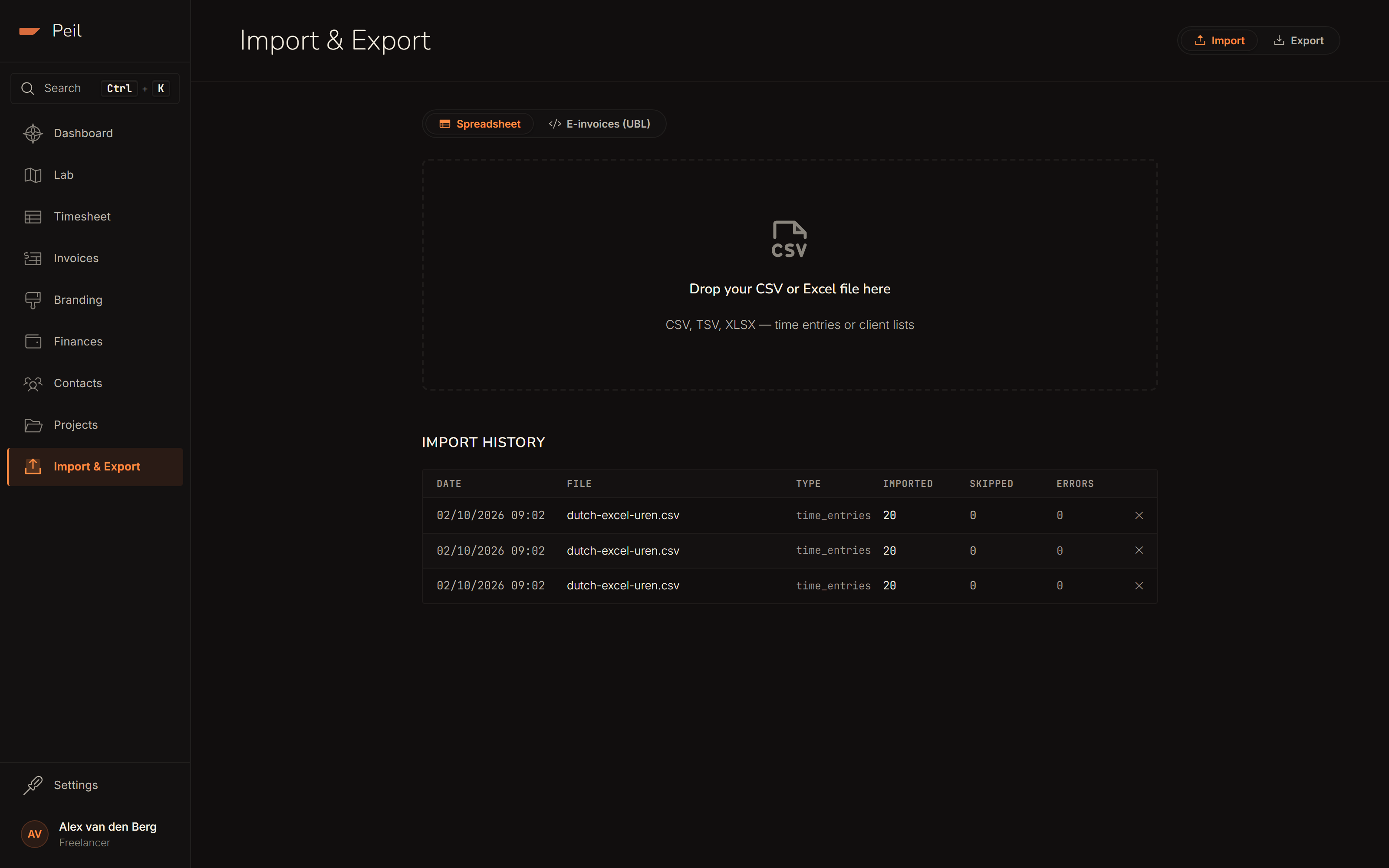
Step 1: drop or choose
Drag the file onto the drop zone, or click to choose it. Peil supports CSV, TSV, XLS and XLSX.
Step 2: automatic column detection
Once the file is in, Peil analyzes the columns and proposes a mapping. This example has
the columns Datum, Klant, Project,
Omschrijving, Uren, Uurtarief and
Facturabel, semicolon-delimited. Peil detects all seven fields on its own,
along with the date format (DD-MM-YYYY) and the number format (Dutch, comma
as decimal separator). Every row with a green dot is mapped correctly; you can override
any mapping by hand from the "Map to" dropdown.
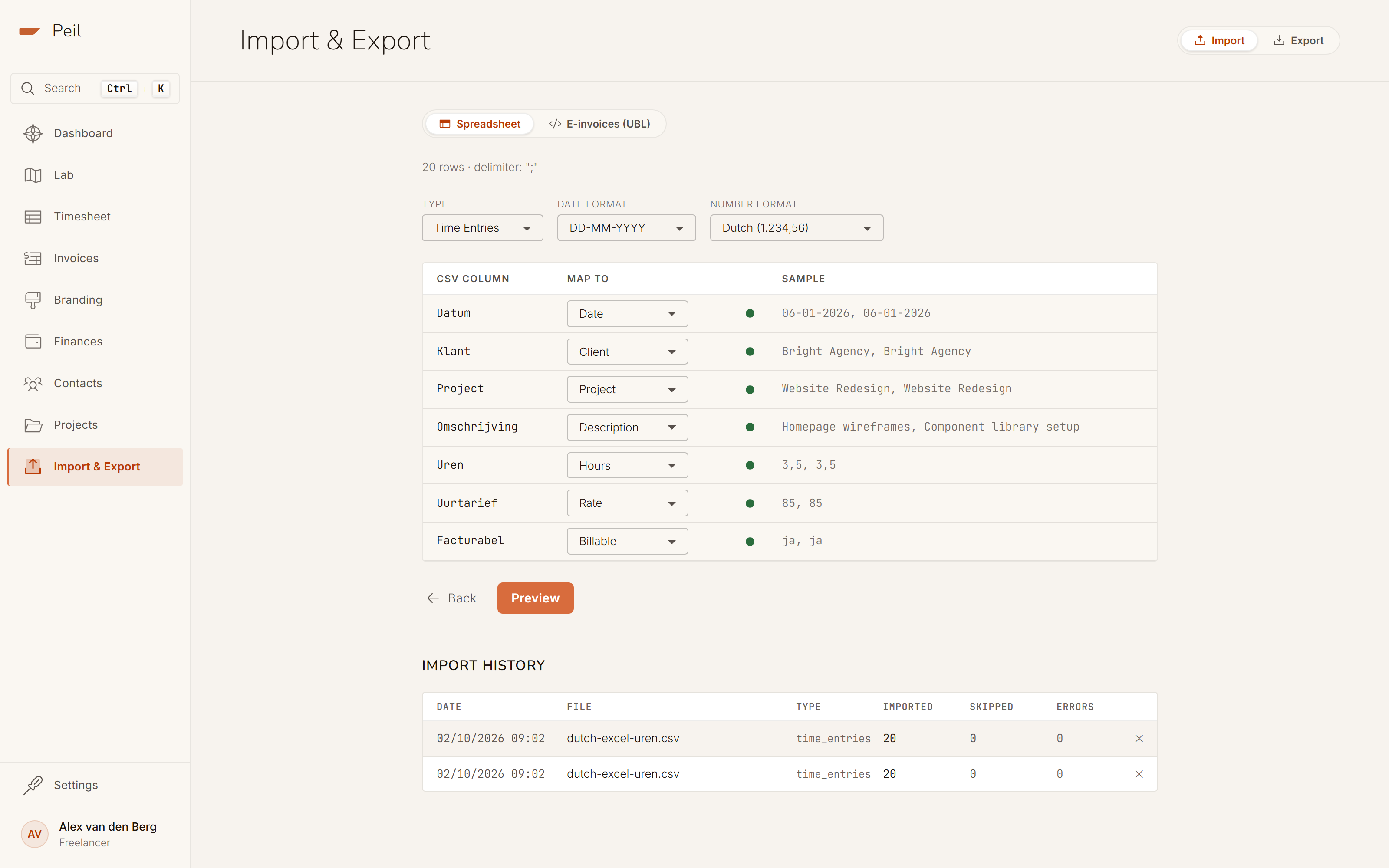
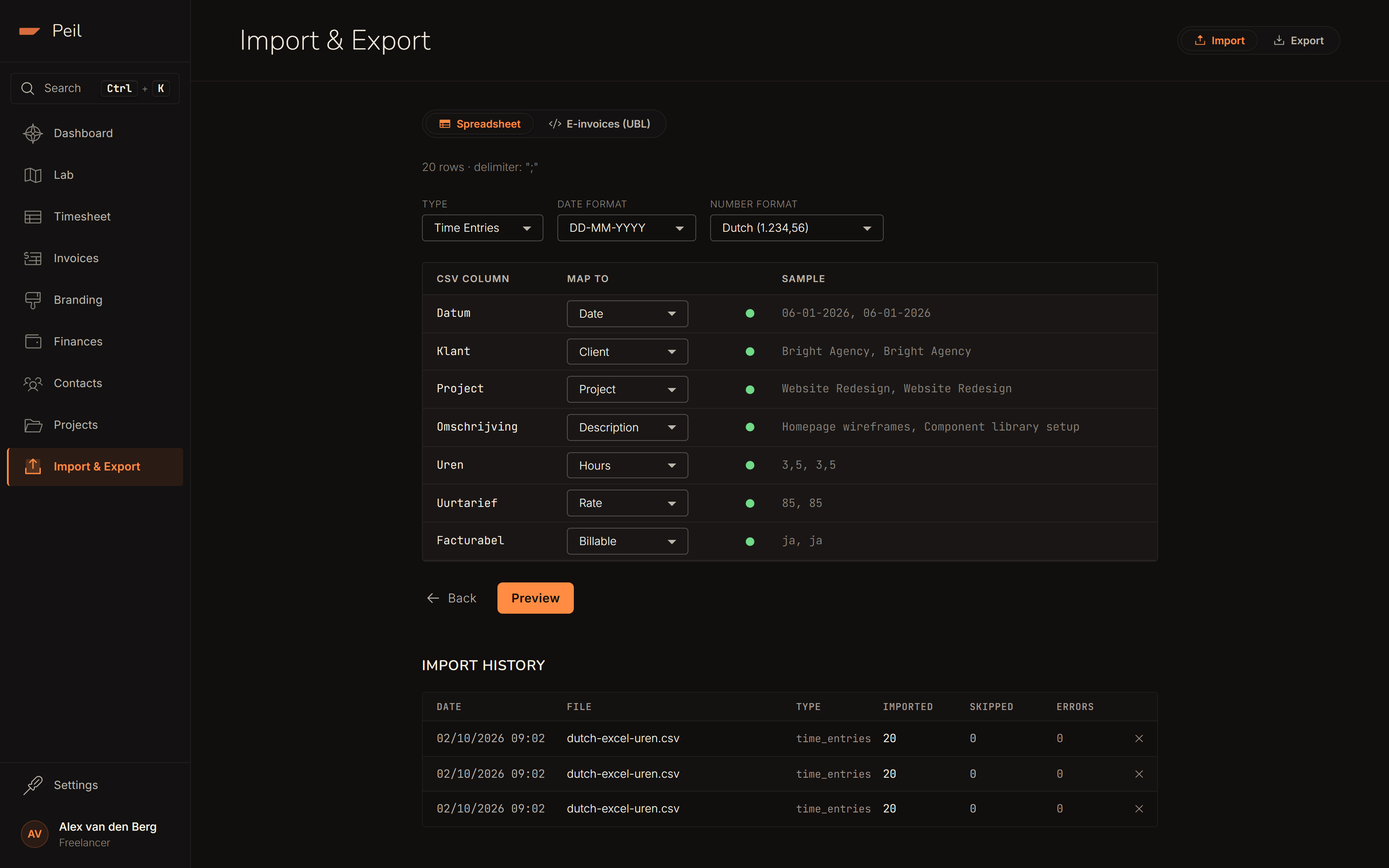
If the automatic detection of entity type, date format, or number format ever gets it wrong, override any of those three independently at the top. The rest of the mapping stays intact.
Step 3: row-by-row preview
Click Preview for a row-by-row breakdown: which entries are ready to be created, which are skipped and why, and which new clients Peil will create because the name doesn't exist yet. Rows with no client name, such as internal hours for admin, are automatically recognized as non-billable.
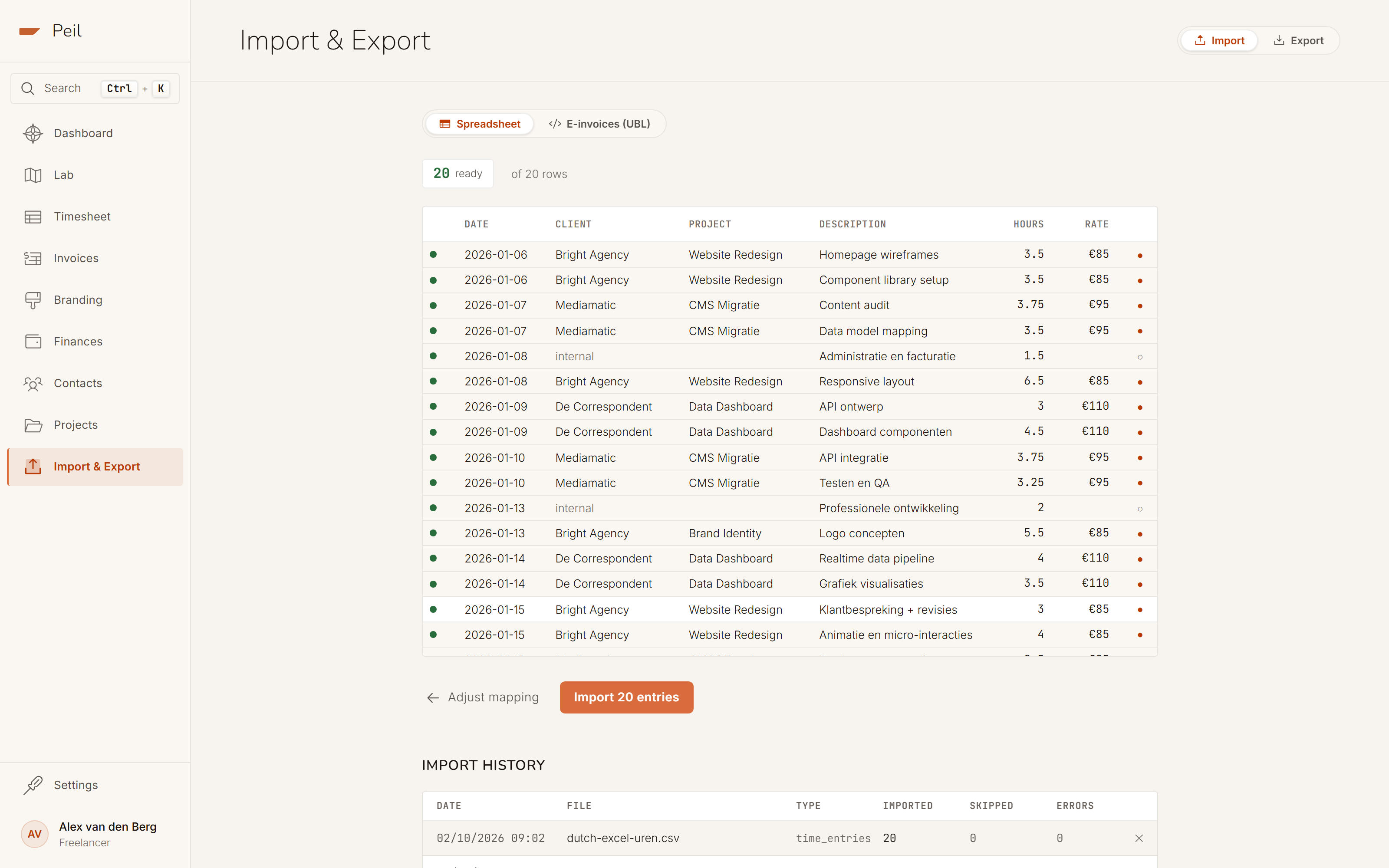
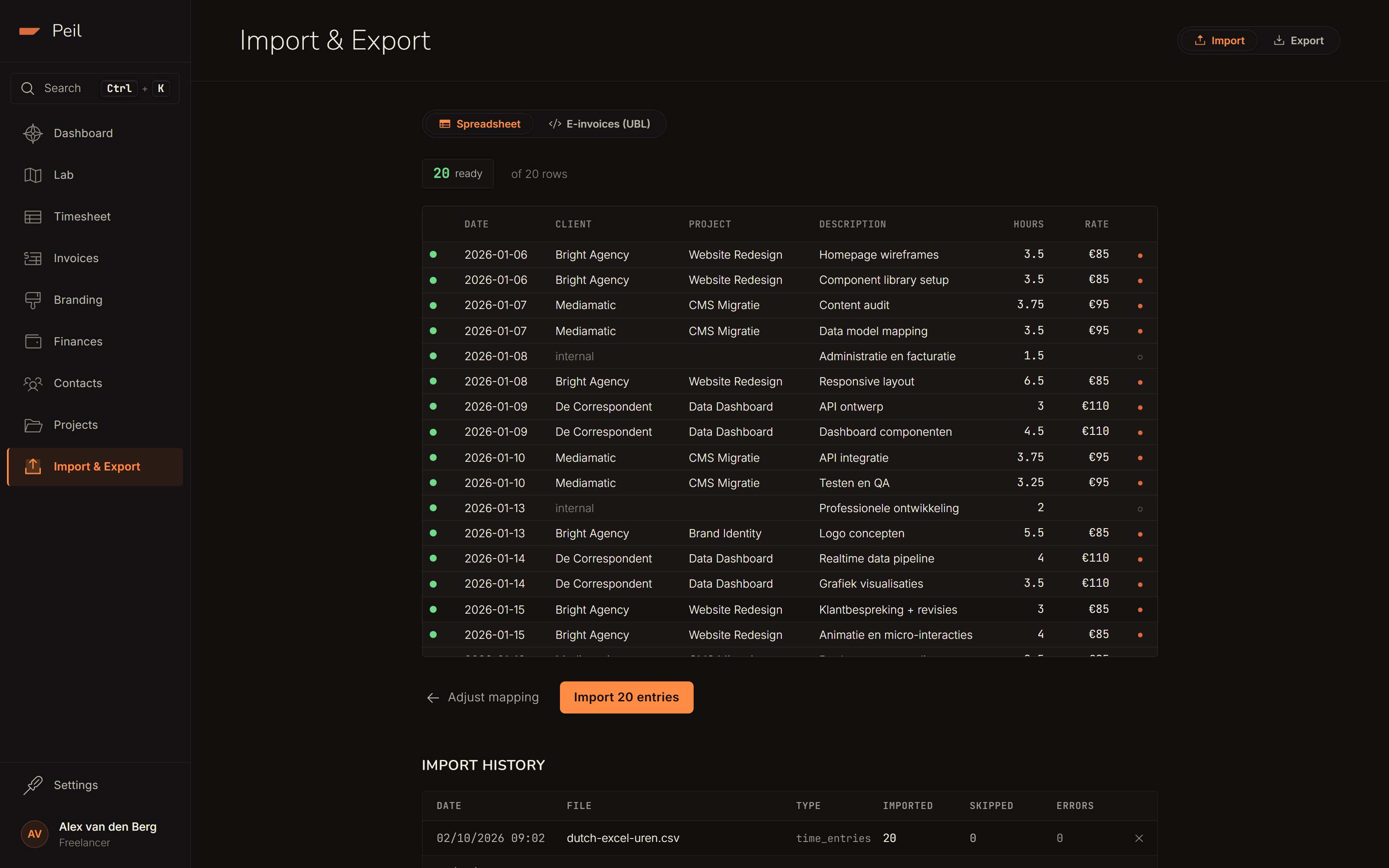
The auto-create new contacts toggle is on by default. Turn it off and rows with an unrecognized client are skipped instead of creating a new contact. Useful if you'd rather create your clients yourself first.
Step 4: import and report
Confirm with the import button. The report shows how many entries were created, skipped and failed, which mapping was used, and which new clients were created. This example file imports all 20 rows with no skips or errors.
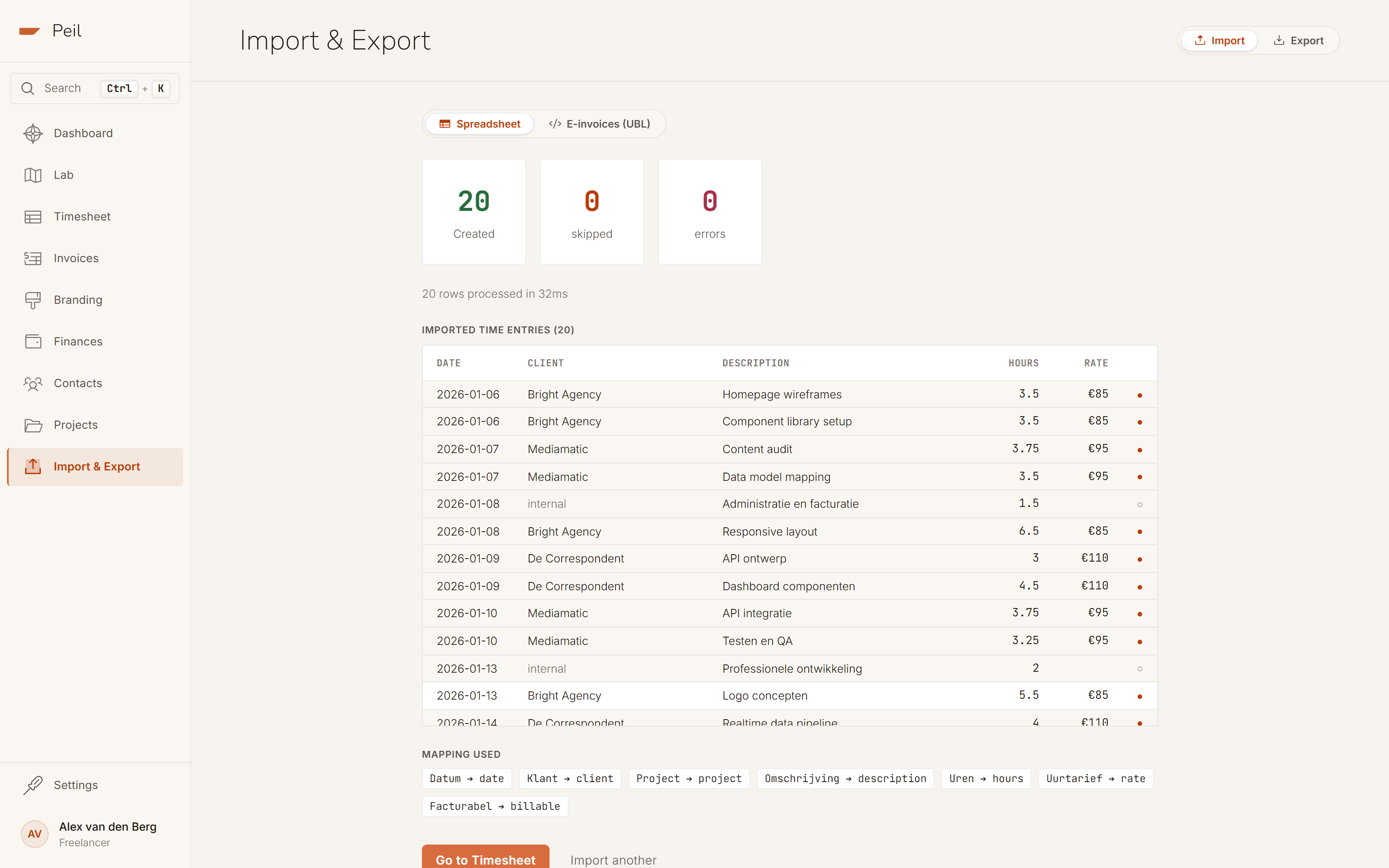
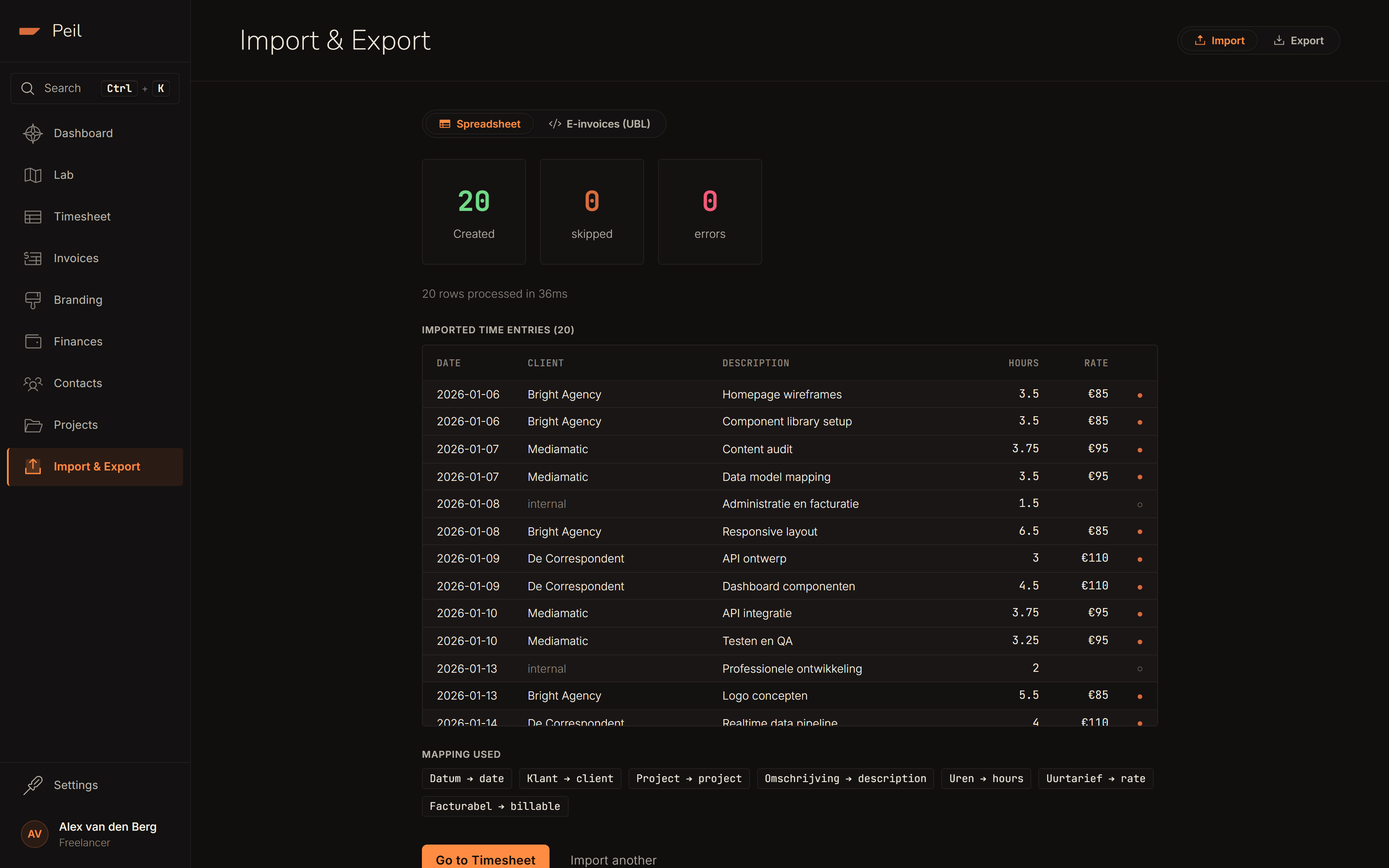
Every import stays visible in the import history at the bottom of the page, with filename, counts, and the option to delete an import (and the entries it created) again.
Importing e-invoices (UBL)
Have invoices you created in another tool and want to backfill into your revenue history? Switch to E-invoices (UBL) within the Import tab and drop one or more UBL files in. Each file becomes one invoice in Peil; a client that doesn't exist yet is created automatically.
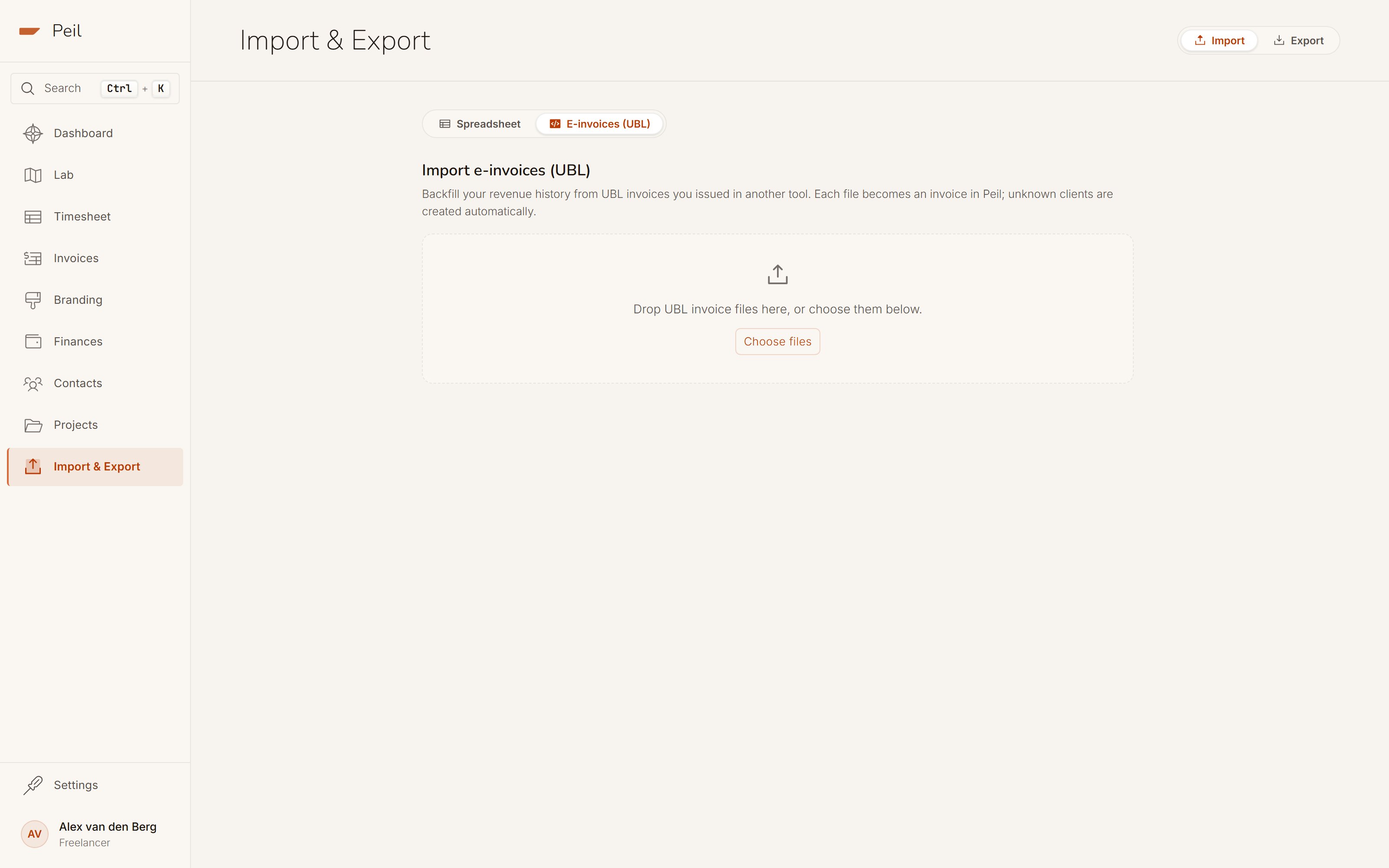
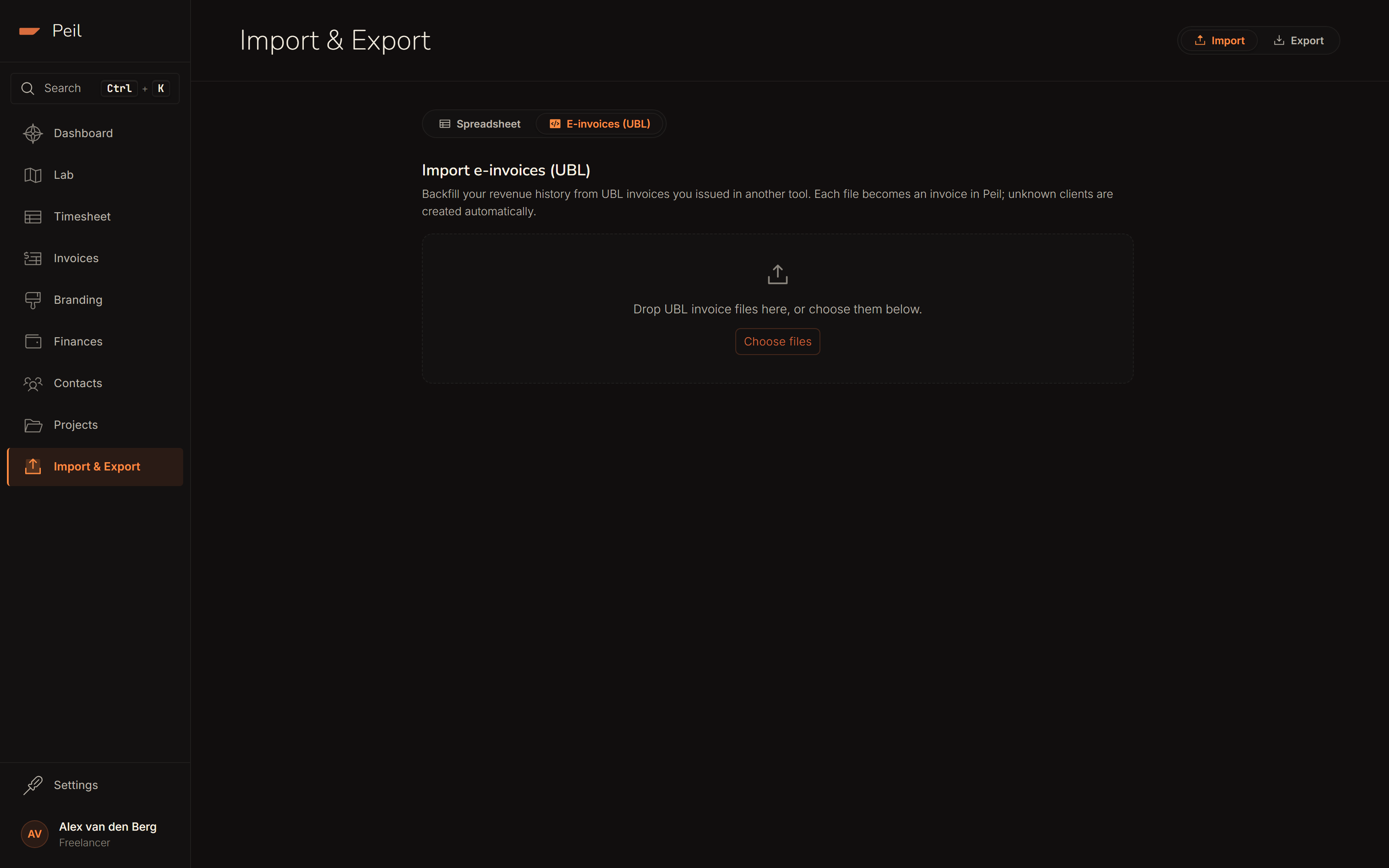
After the preview, choose whether the imported invoices are marked paid or outstanding. Peil has no way of knowing an invoice's payment status from another system on its own. Duplicate invoices (same invoice number, already present) are detected and skipped.
Exporting
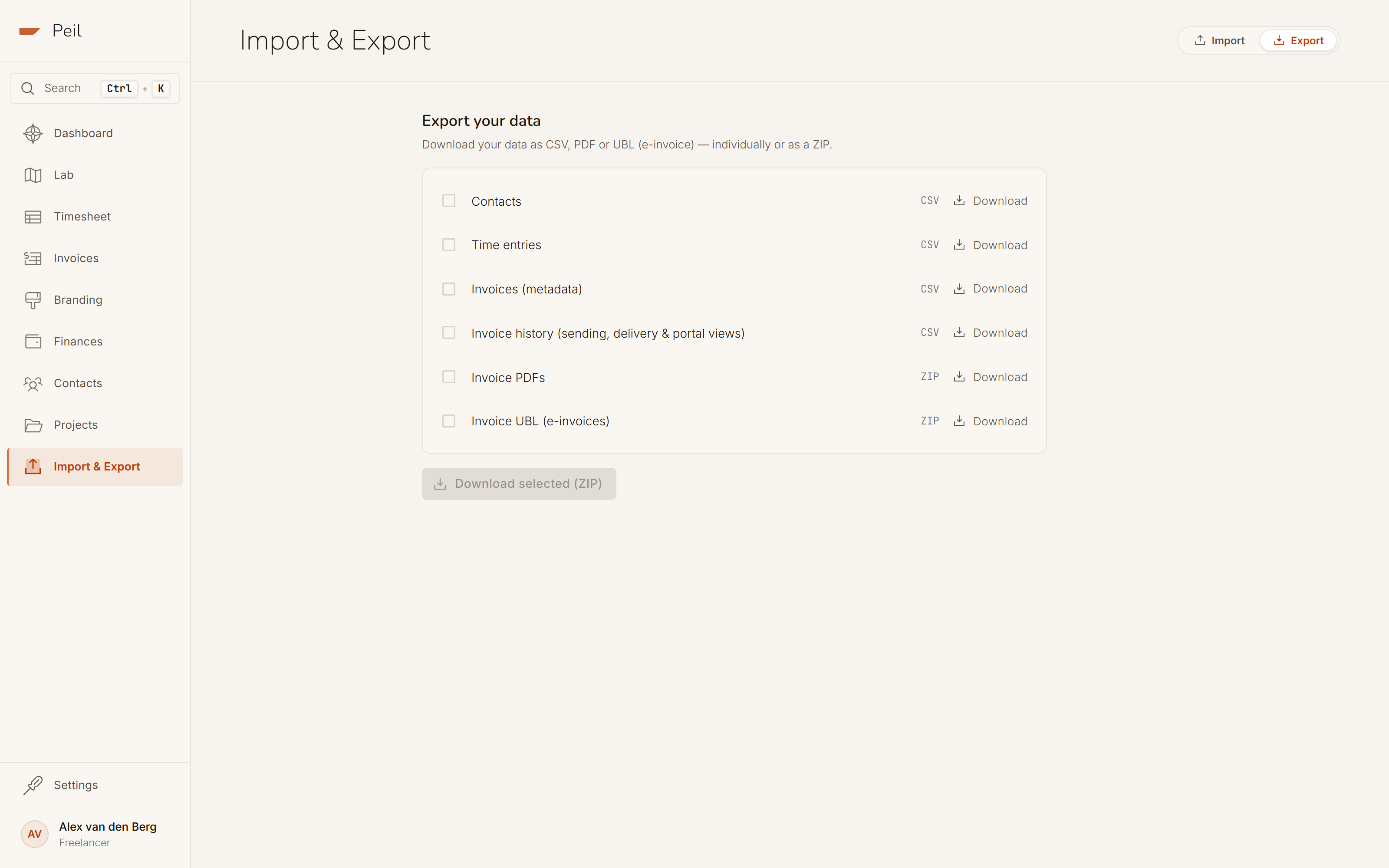
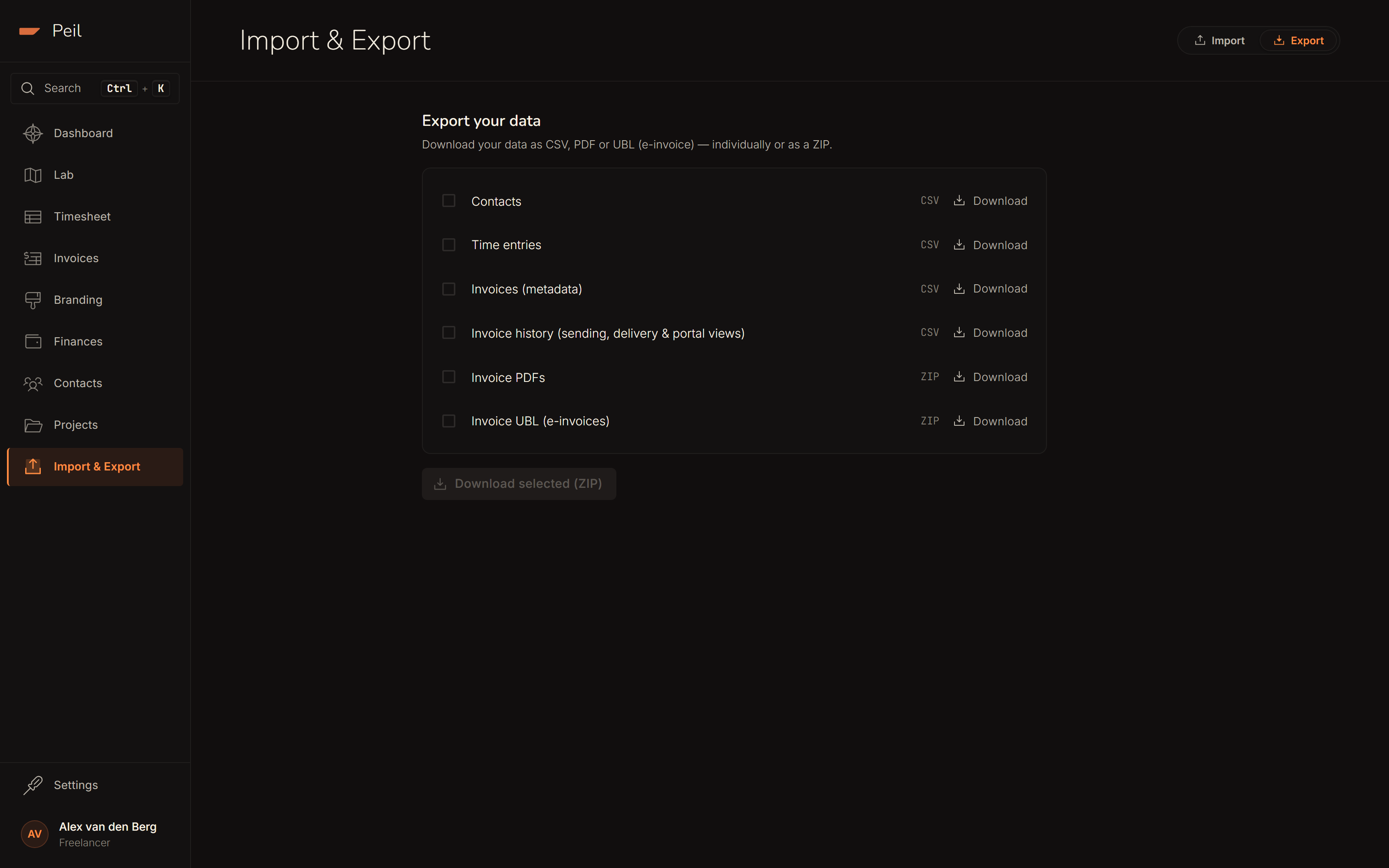
Go to the Export tab. From there you can export each type individually or bundle several at once into a single ZIP.
Available exports
- Clients: name, contact details, and creation date. Available as CSV or JSON.
- Time entries: date, hours logged, hourly rate, client, project, and invoice number (if billed). Available as CSV or JSON.
- Invoices: invoice number, amount excl. VAT, amount incl. VAT, VAT amount, status, client, and invoice date. Available as CSV or JSON.
- PDF archive: all your invoice PDFs in a single ZIP file.
- UBL archive: every invoice you've sent, as an e-invoice (UBL / Peppol BIS 3.0), bundled into one ZIP. It's the same format as the single "Download UBL" option on an individual invoice, just for your entire history at once. Useful for an accountant whose system reads e-invoices automatically.
- Full export: all of the above in one ZIP.
CSV encoding
CSV files are exported as UTF-8 with BOM. This ensures correct character rendering when you open the file directly in Microsoft Excel. Without the BOM, Excel often misreads characters like accented letters or the euro symbol.
Using exports with accounting software
CSV files open directly in Excel or Google Sheets. For most Dutch accounting packages, such as Moneybird, e-Boekhouden, or Exact Online, you'll use Peil's exports as a starting point, or the UBL archive directly if the package can read e-invoices.
The most useful workflow: share the PDF archive with your accountant as the authoritative invoice record, and share the invoices CSV as a structured summary they can use to cross-check totals or map entries into their system.
Via the API
Both import and export are also available programmatically via the Peil API. See the API reference for full endpoint documentation, including filter options for date and type, and the UBL export format per invoice. Authentication uses a Bearer token; create an API key in Settings → Developer settings.
Record-keeping requirements
Dutch law requires you to retain invoices and financial records for 7 years (bewaartermijn). Peil stores your data while your account is active, but you should export your PDF archive regularly and store it in at least one external location: your accountant's system, a cloud drive, or a local backup.
A good habit: export your full archive at the end of each financial year and store it alongside your tax return documents.