A project in Peil is the link between a client and the hours you log against them. Not every engagement works the same way: an open-ended hourly contract, a fixed-price job with a budget, or a monthly retainer each call for different numbers. That's why Peil has four project types, each with its own view.
The project overview
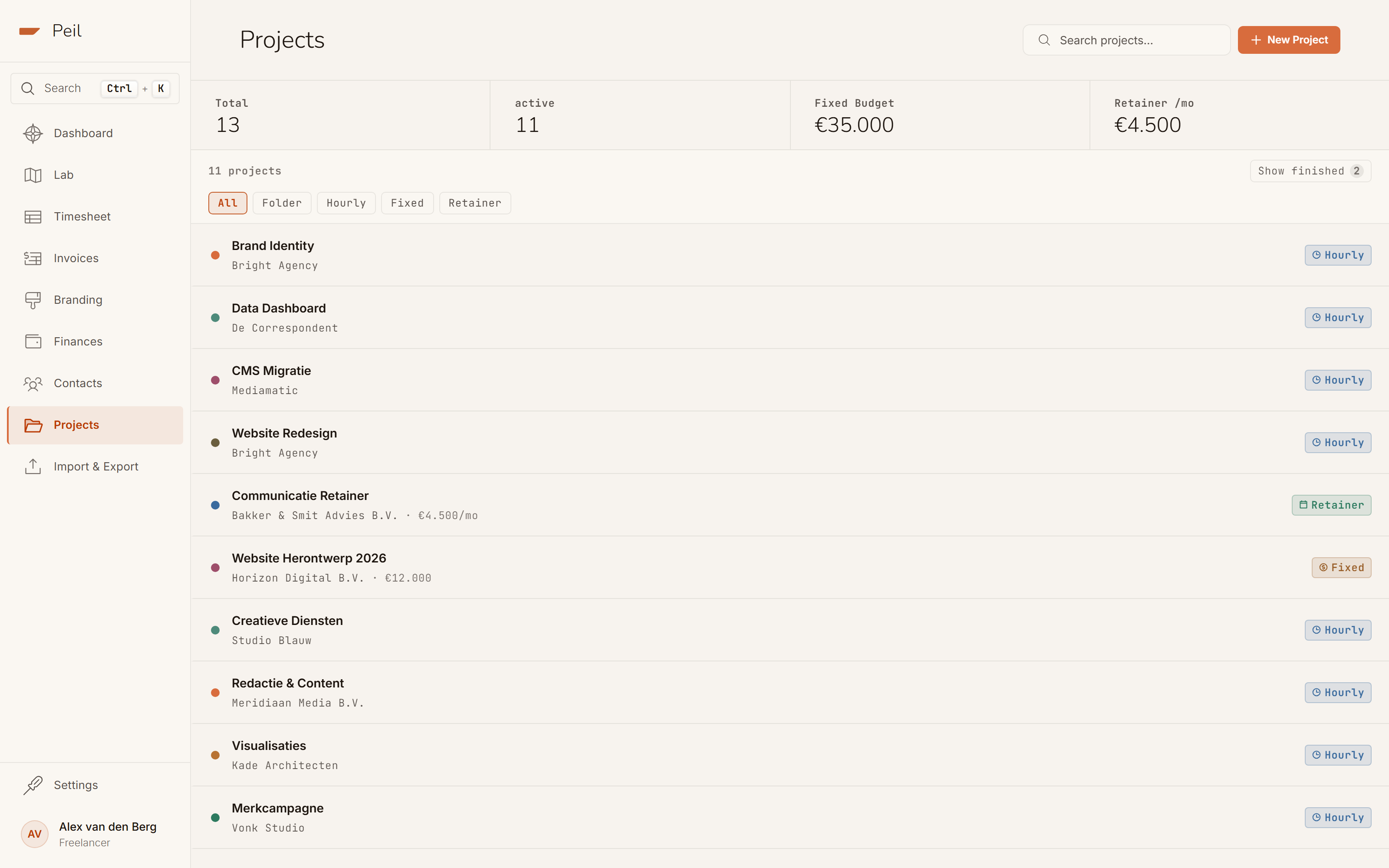
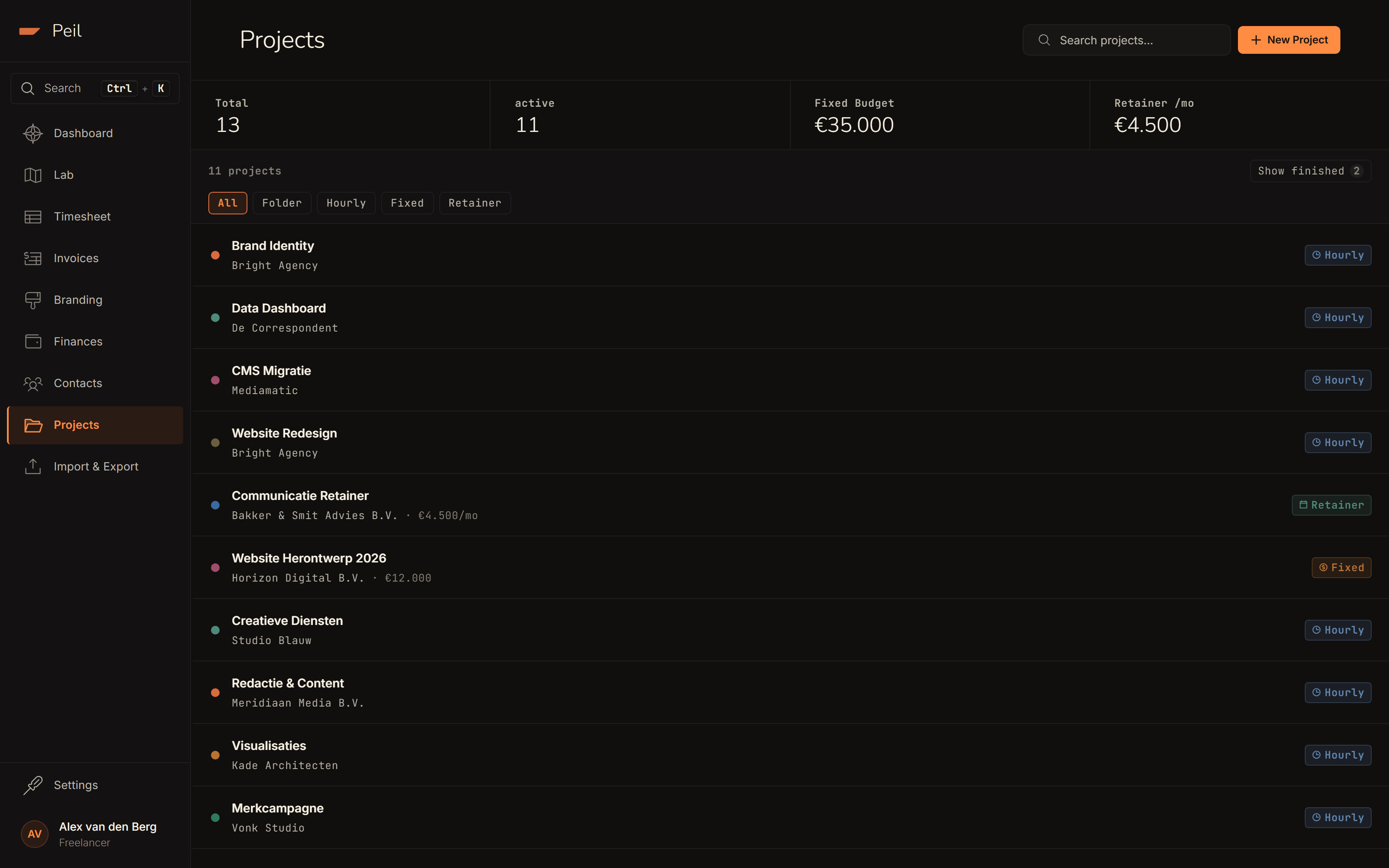
peil.app/projects lists every project with its client, a type badge, and, where relevant, a budget or monthly fee. Once you're using more than one type, filter pills appear above the list so you can zoom in on, say, just your fixed-price work.
The four project types
- Folder: a grouping with no client link or financial logic. Useful for grouping internal work (business development, admin, training) without it counting as revenue.
- Hourly: the default type. You bill per hour worked at the client's current rate, with no budget or end date required.
- Fixed: a fixed price for the whole project. Peil tracks how much of the budget has been invoiced and paid, and auto-completes the project the moment the full amount is paid.
- Retainer: a fixed monthly fee for an agreed number of hours per month (or quarter, or year). Peil shows how many of the agreed hours you've used this period.
Fixed and retainer projects are part of Peil Pro. On the free plan you work with folders and hourly projects.
Fixed projects: tracking budget burn
On a fixed project, Peil shows a burn bar that shows exactly where you stand: how much has been paid (solid), how much has been invoiced but not yet paid (lighter), and, before any confirmed invoices exist, how much sits as a draft (dotted).
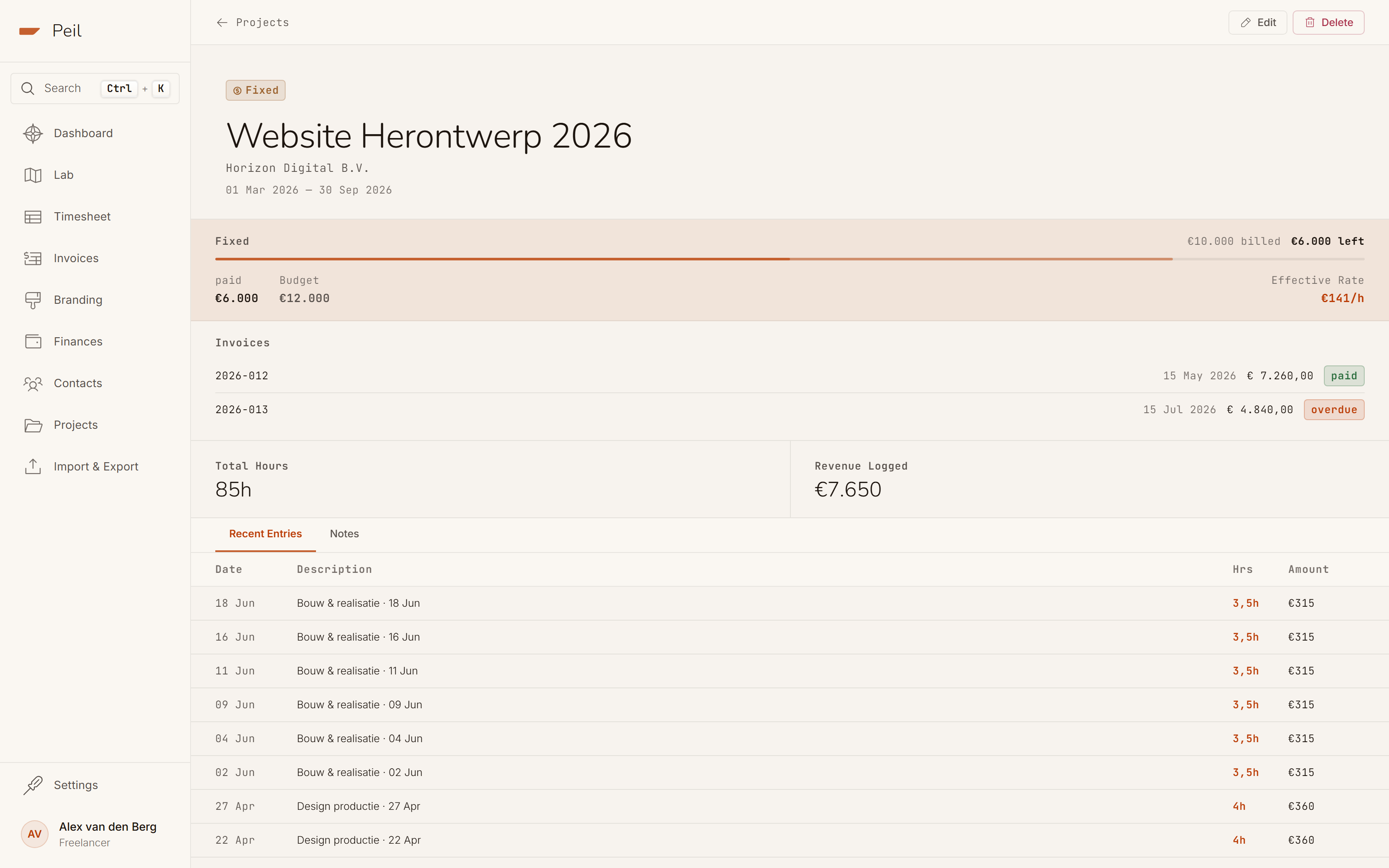
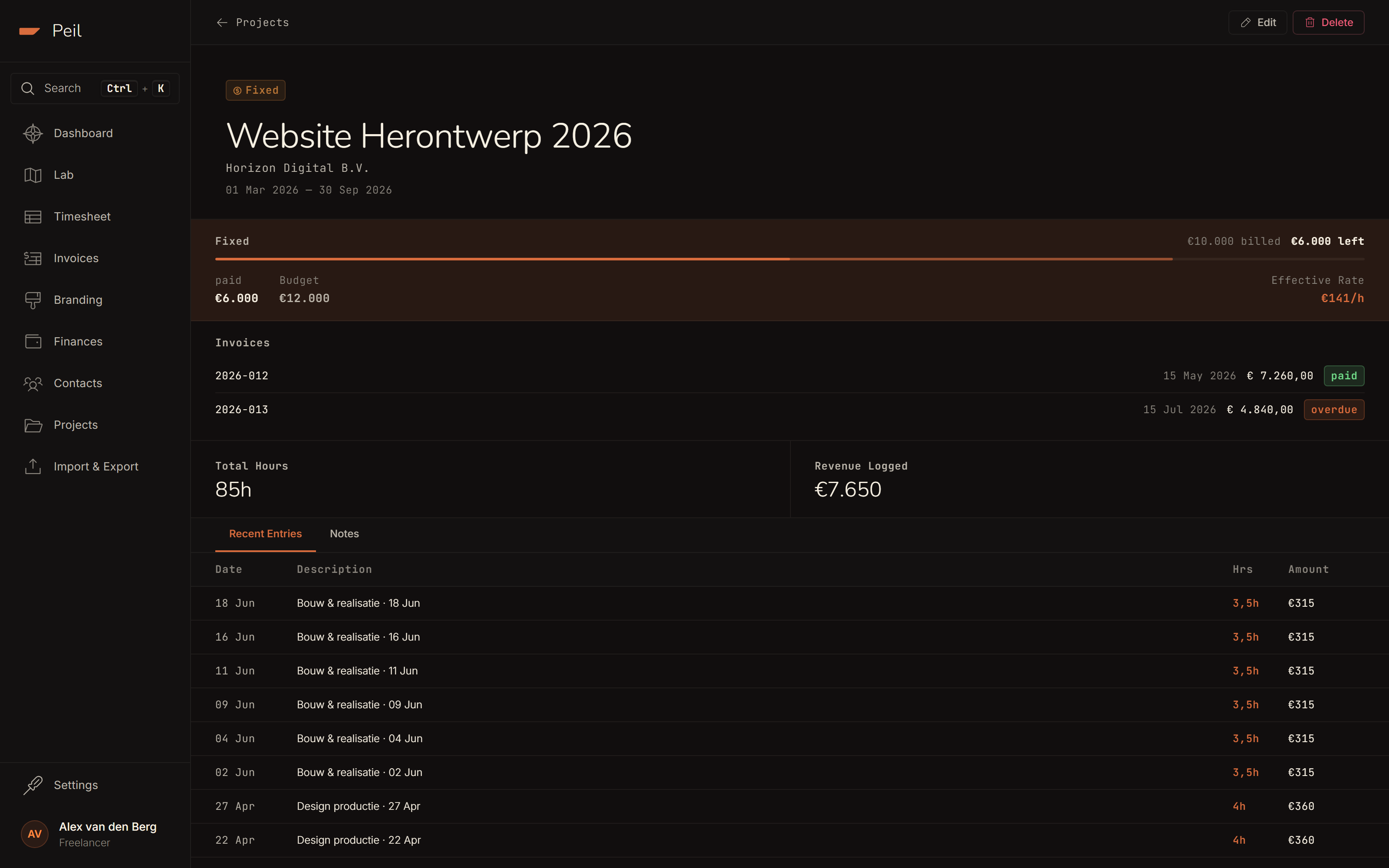
Next to it you'll find the effective rate: the budget divided by hours actually logged. If that falls below your normal hourly rate, it's an early signal the job is taking more time than the fixed price covers, and you'll see it before the project wraps up, not after.
Once the full budget is paid, Peil auto-completes the project: status flips to "completed," and you'll see that reflected as a notice on the invoices list and in the project overview. See also VAT & recurring invoices for how that interacts with invoicing.
Retainer: monthly hours for a fixed fee
A retainer project shows the monthly fee and the agreed hours per period up top. There's no burn bar, because a retainer has no end, only a recurring rhythm.
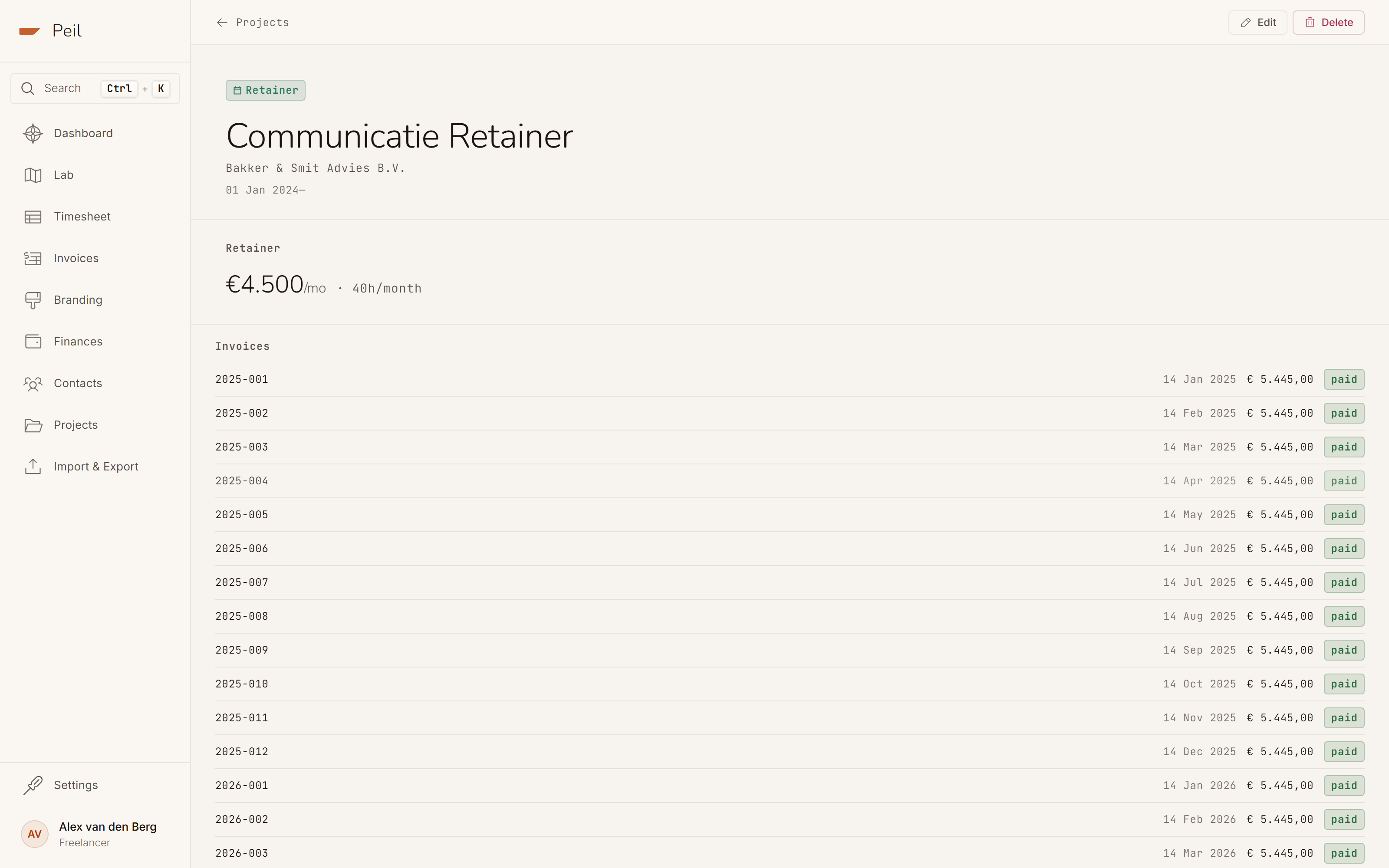
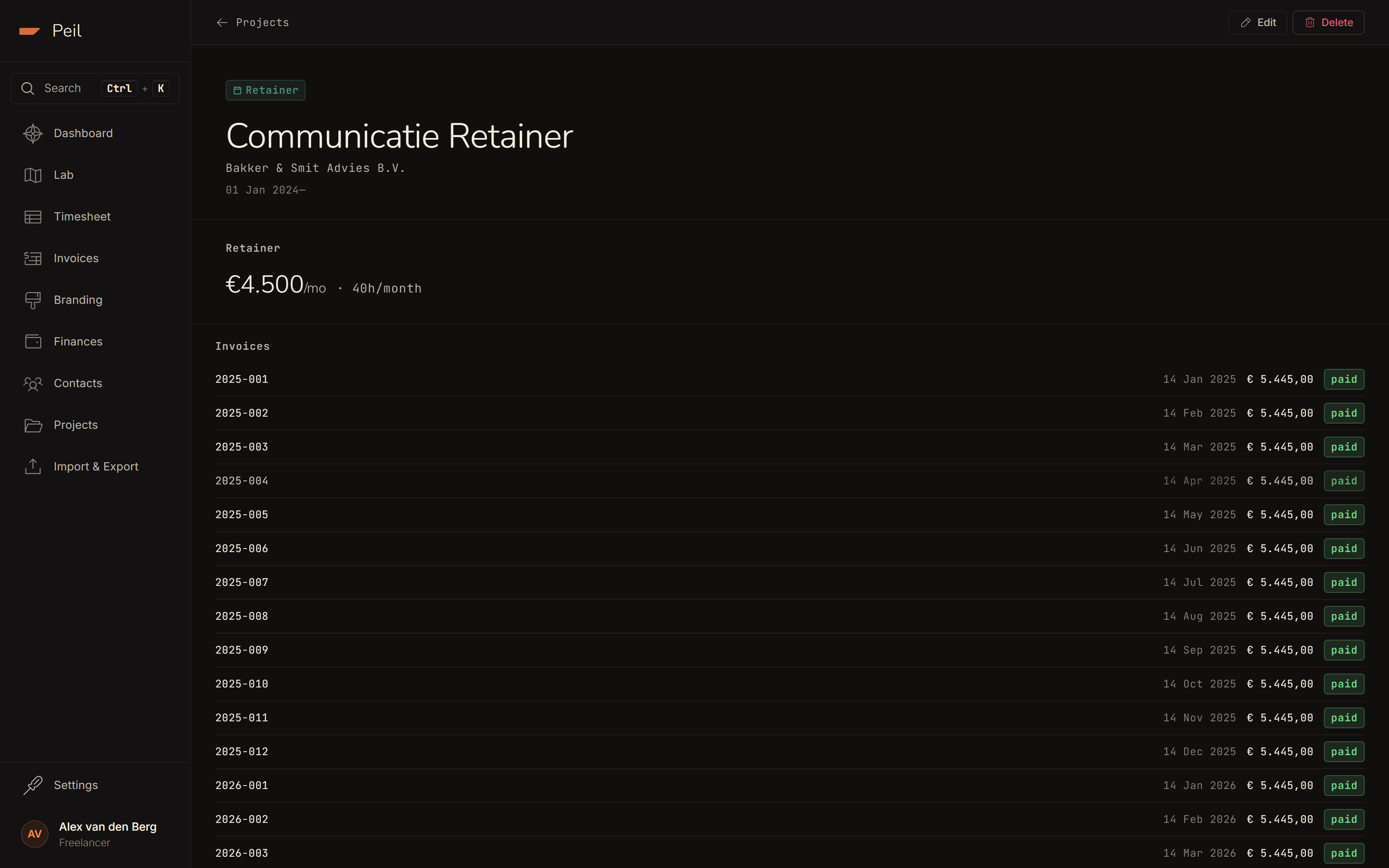
You set the billing interval (monthly, quarterly, or annual) when creating the project. For the invoice itself you use the same flow as an hourly project. See Creating & sending invoices.
Creating a project
Pick the type first; the rest of the form adapts to it. Fixed projects ask for a budget, retainer projects for a monthly fee, billing interval, and hours per month. A client is required for both, optional for hourly, and not applicable to folders.
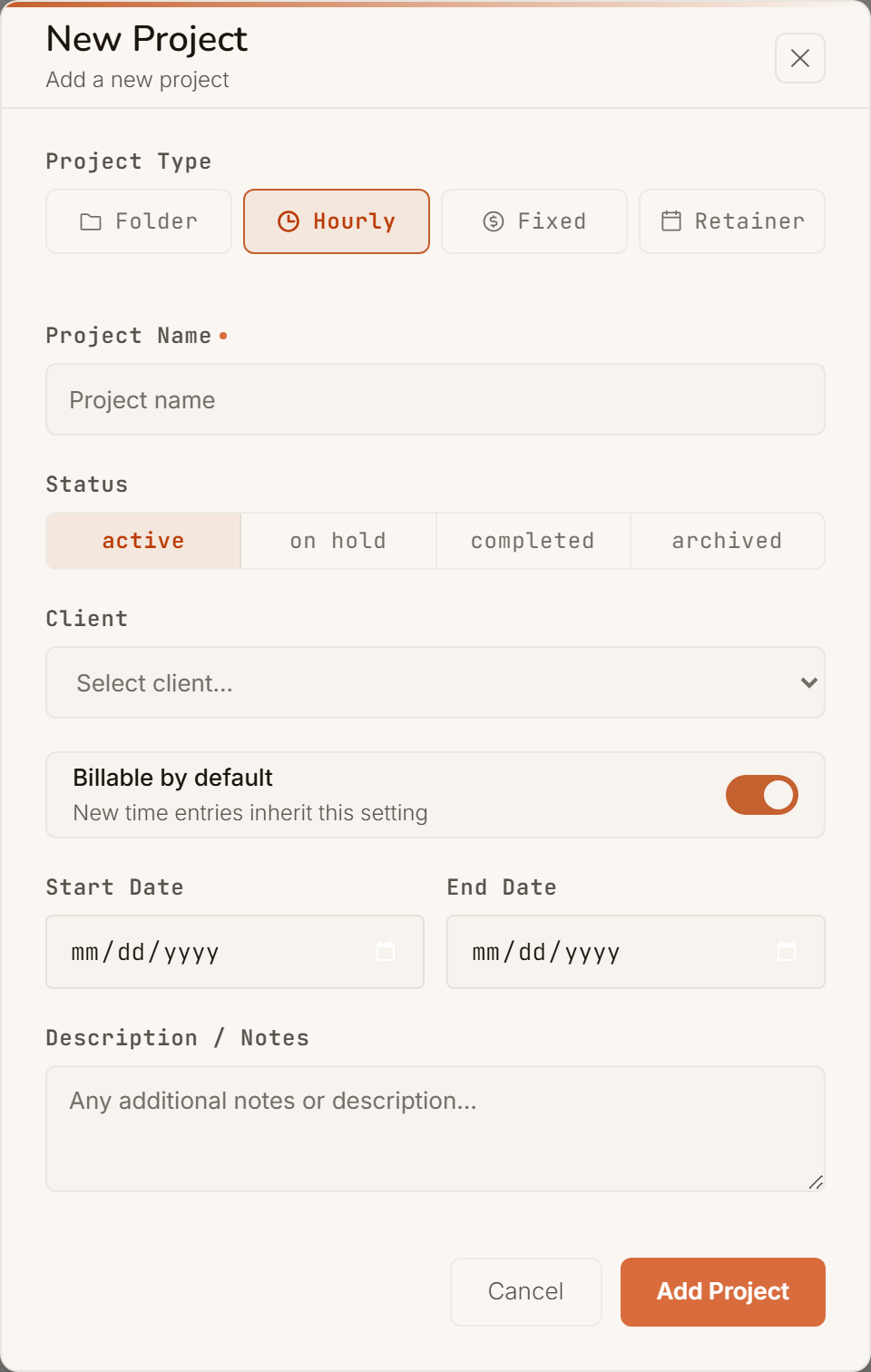
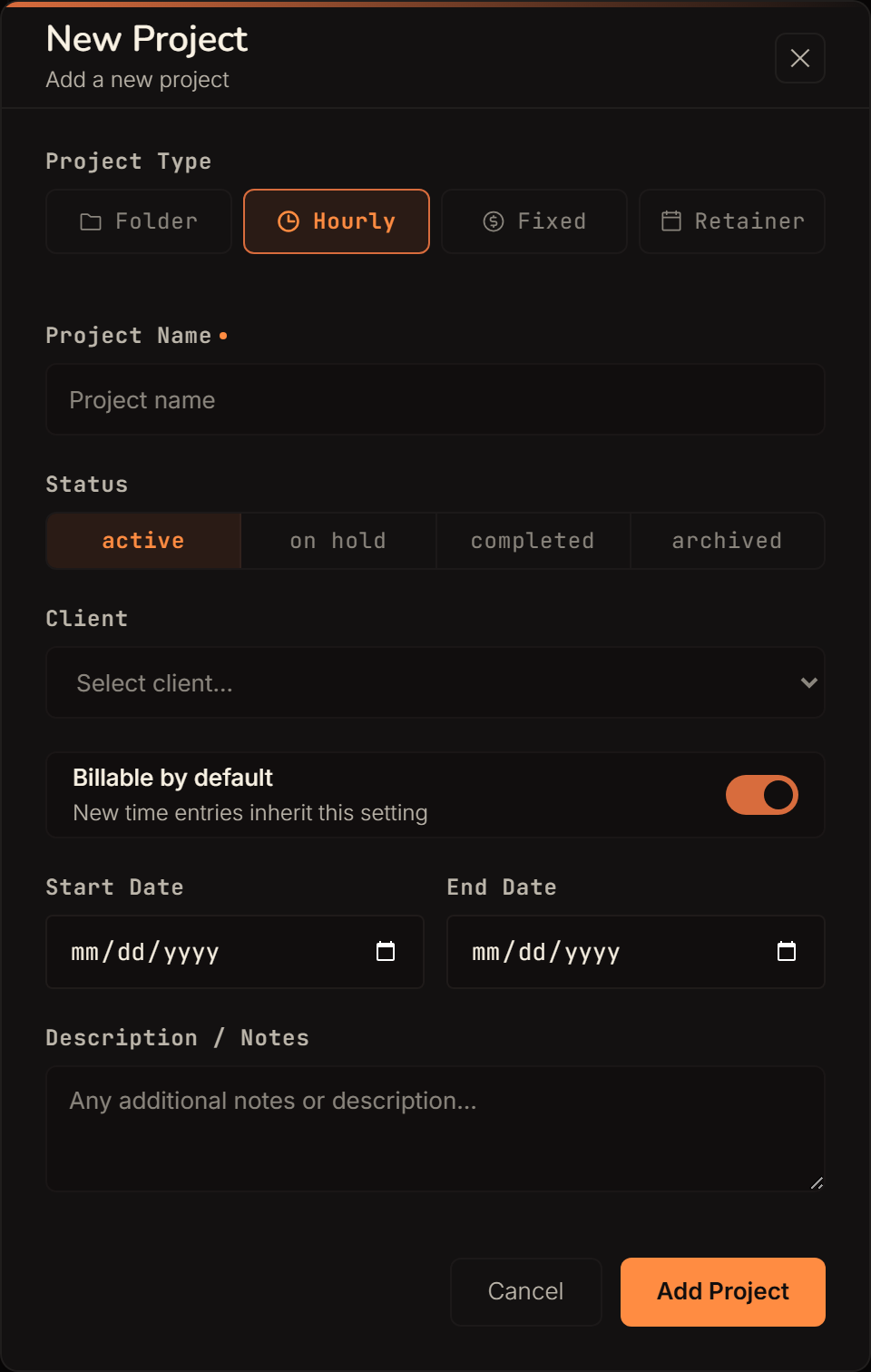
The Billable by default toggle controls whether new time entries on this project are automatically marked billable. Turn it off for a project where you deliberately want to track non-billable hours too.
See Managing clients for how a client and its rate history work together with the projects attached to it, and Using the Financial Lab to see how fixed and retainer hours count toward your waterfall and runway.